Your FloCMS projects, in one window.
Create, run and change FloCMS projects without the terminal. Studio downloads PHP, Composer and MariaDB for you, and every button runs the real php flo or composer command, so you always see what happens.
Free and open source (MIT) · Collects nothing about you
A tour
From an empty folder to a running site.
1 · Create
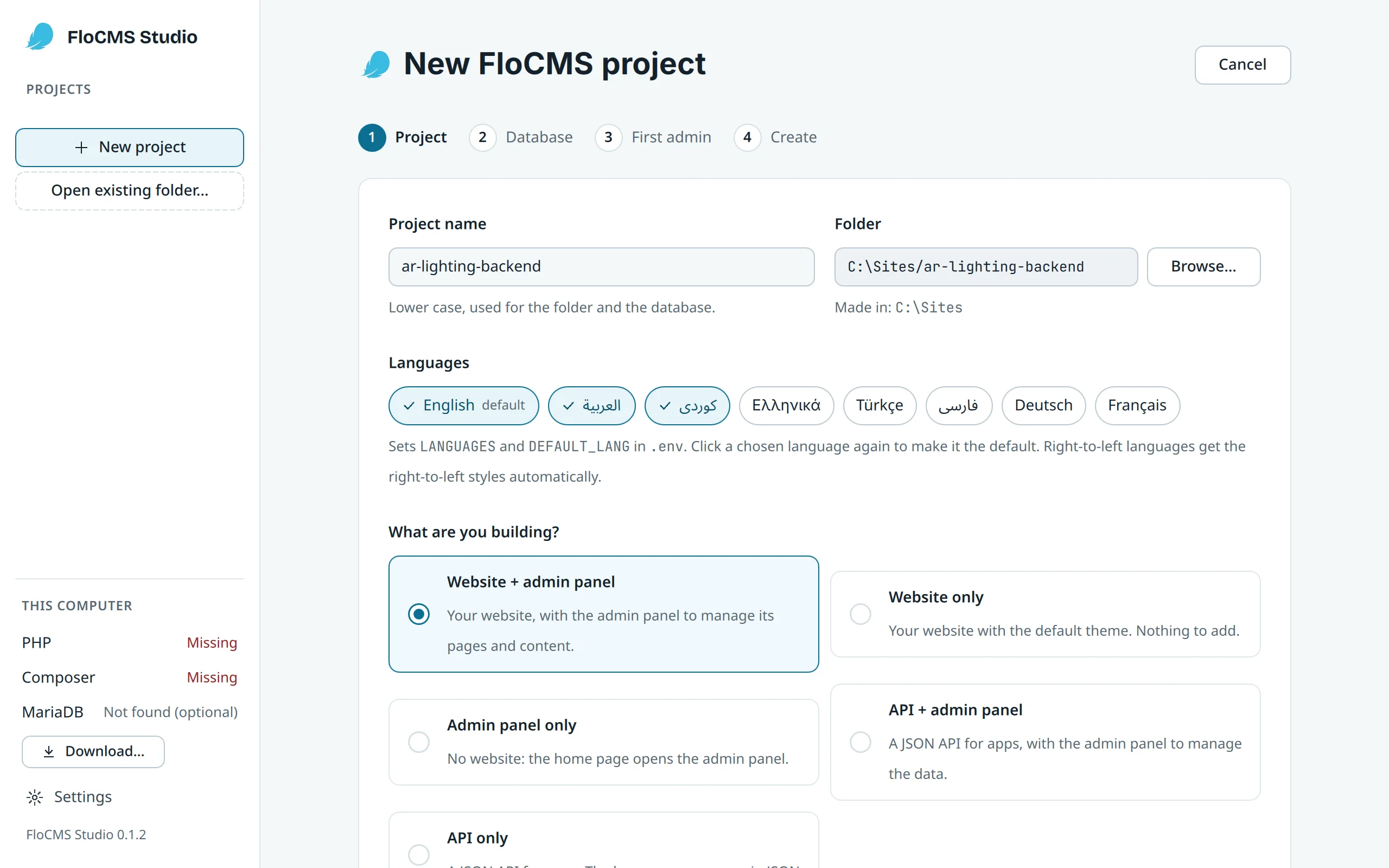
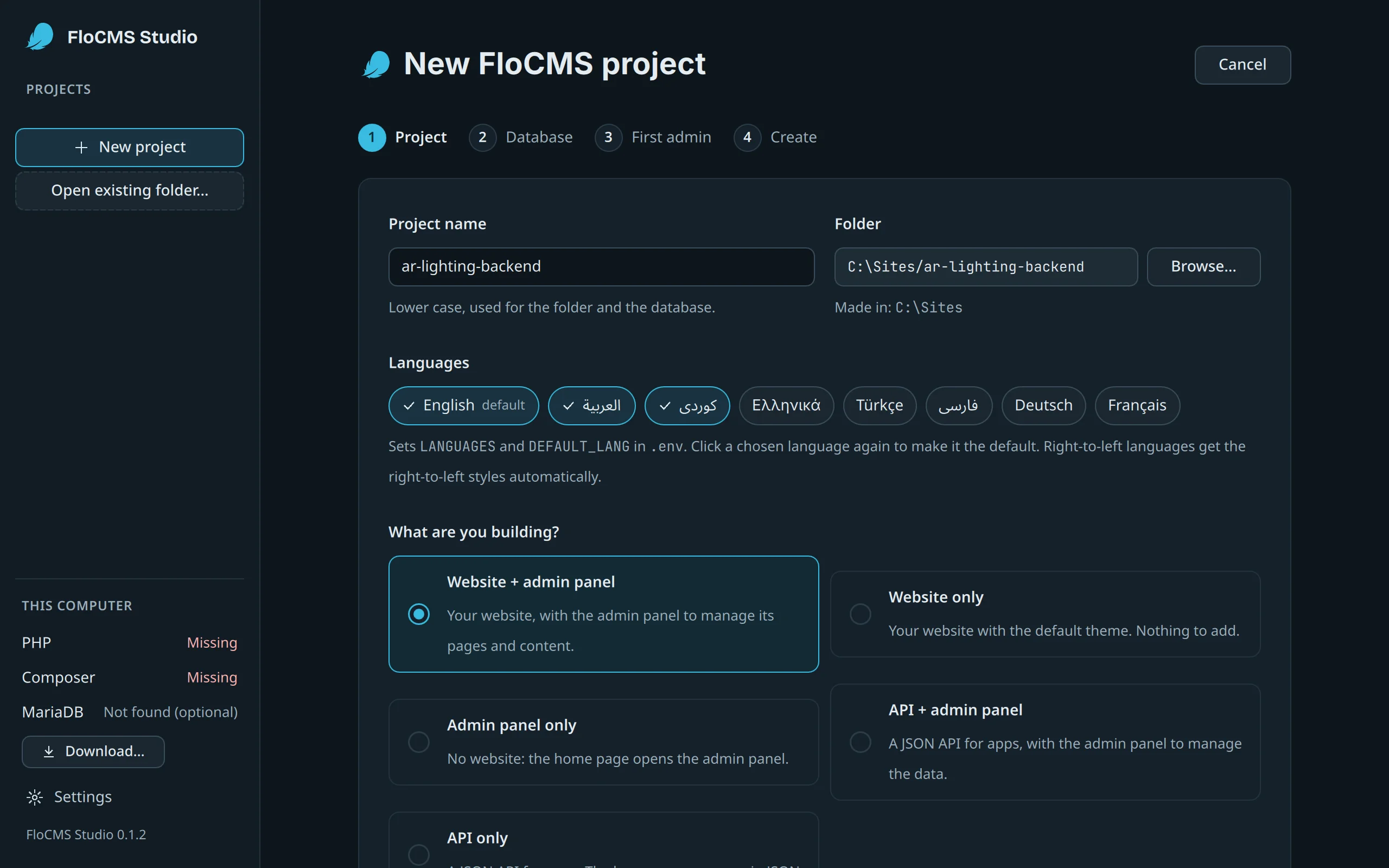
A new project, step by step
Pick a folder and what you are building: a website, an admin panel, an API or a mix. Give the database a name and add your first admin. Studio downloads what is missing and runs the setup.
Runscomposer create-project hostkurd/flocms · php flo setup
2 · Run
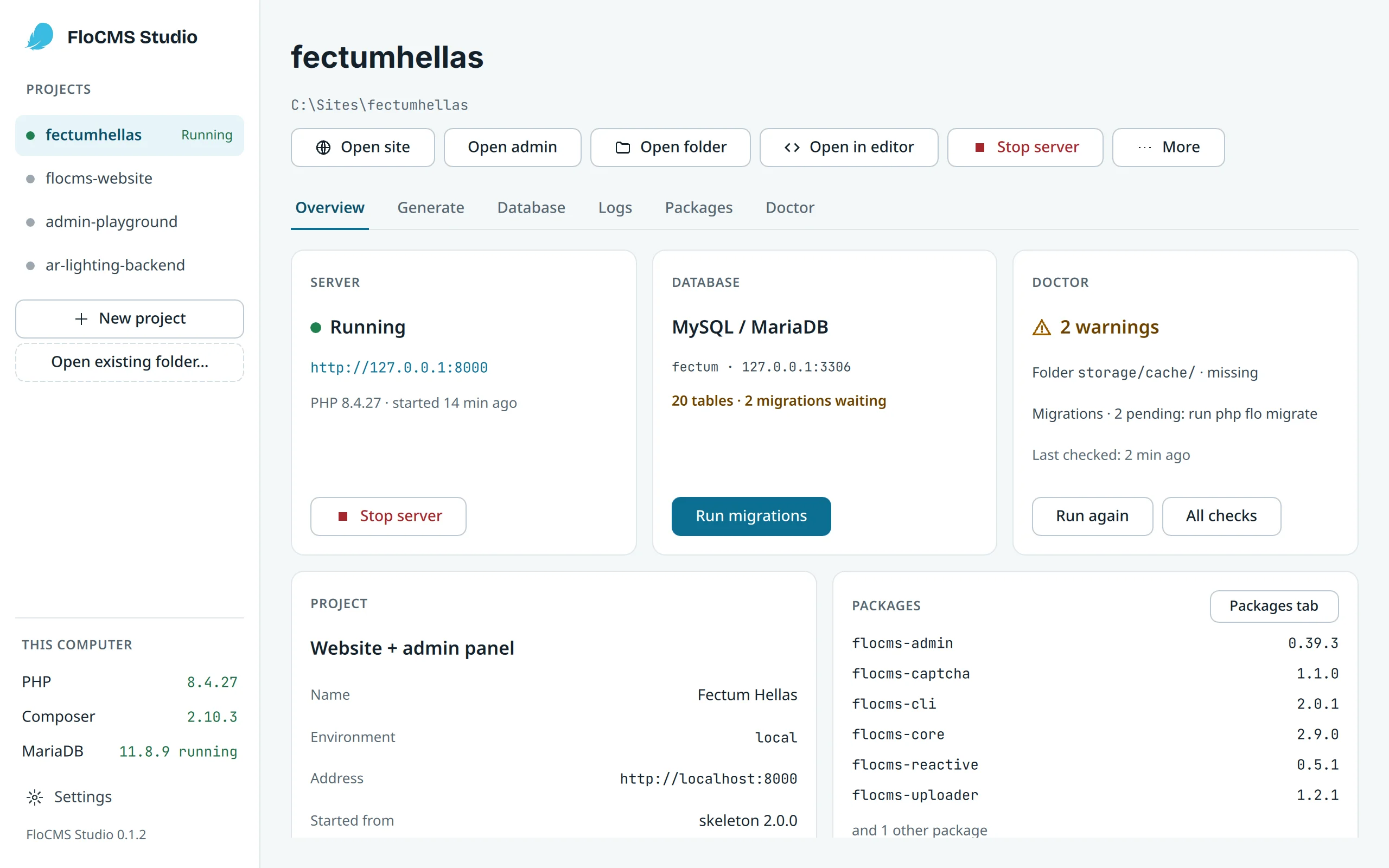
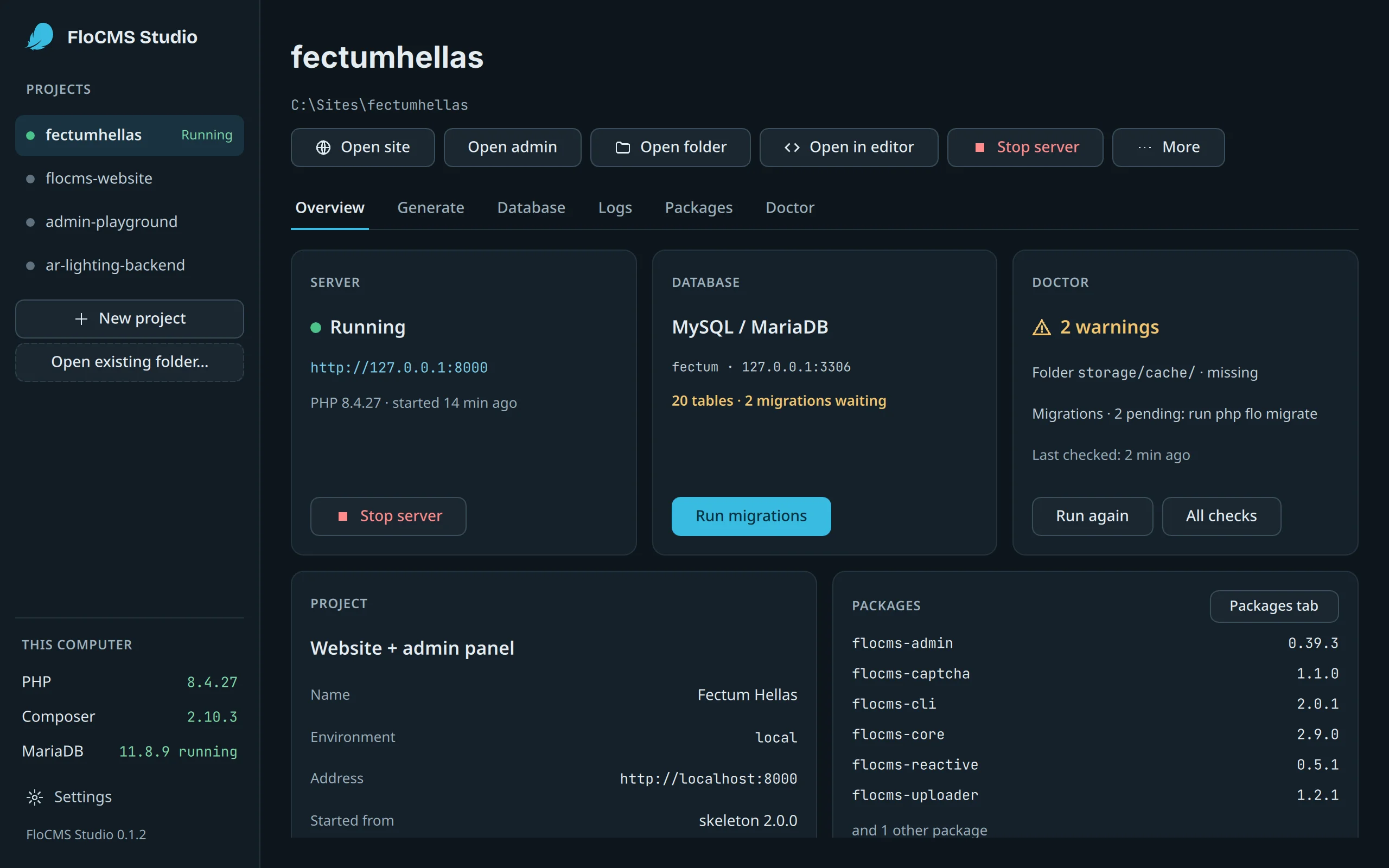
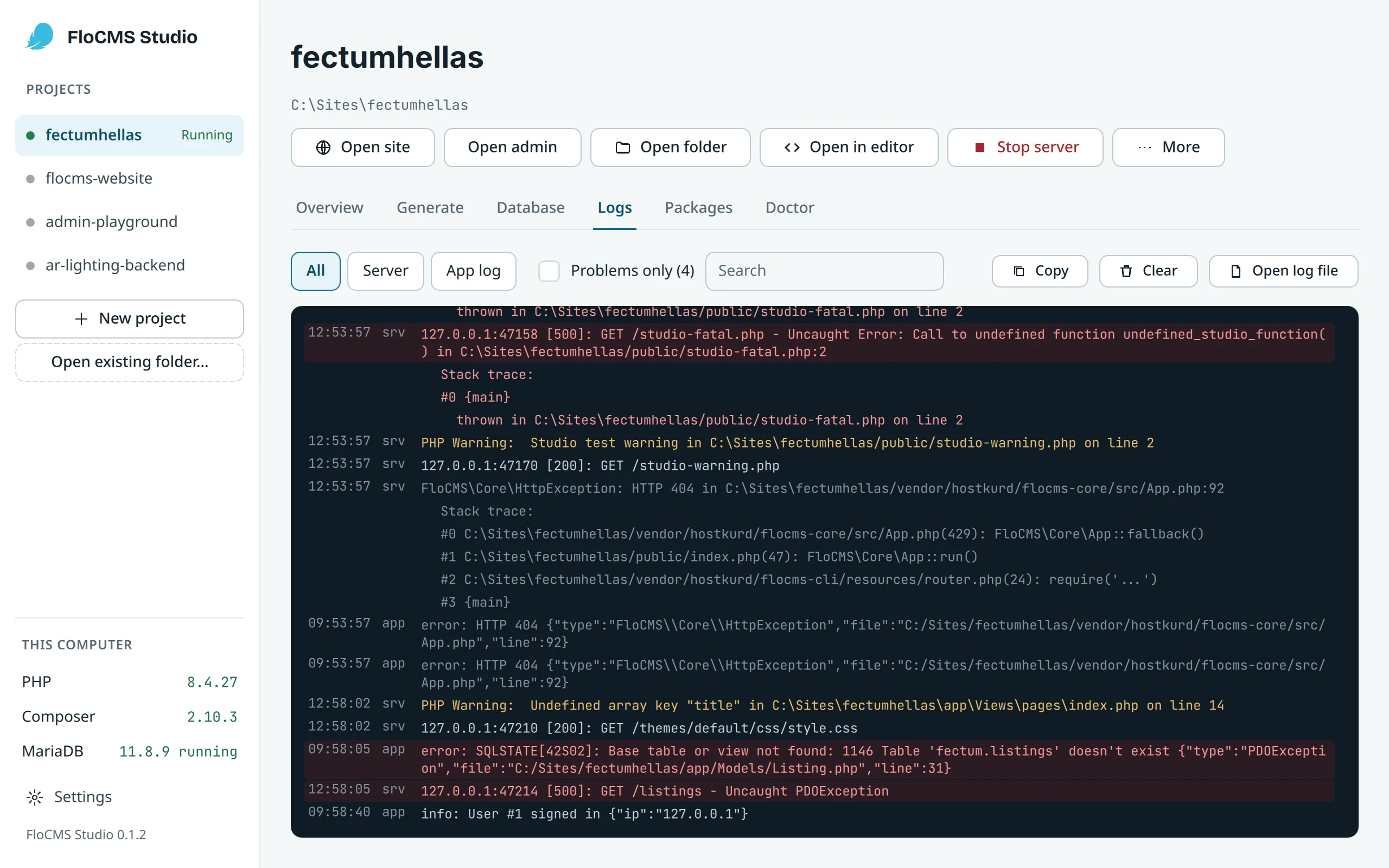
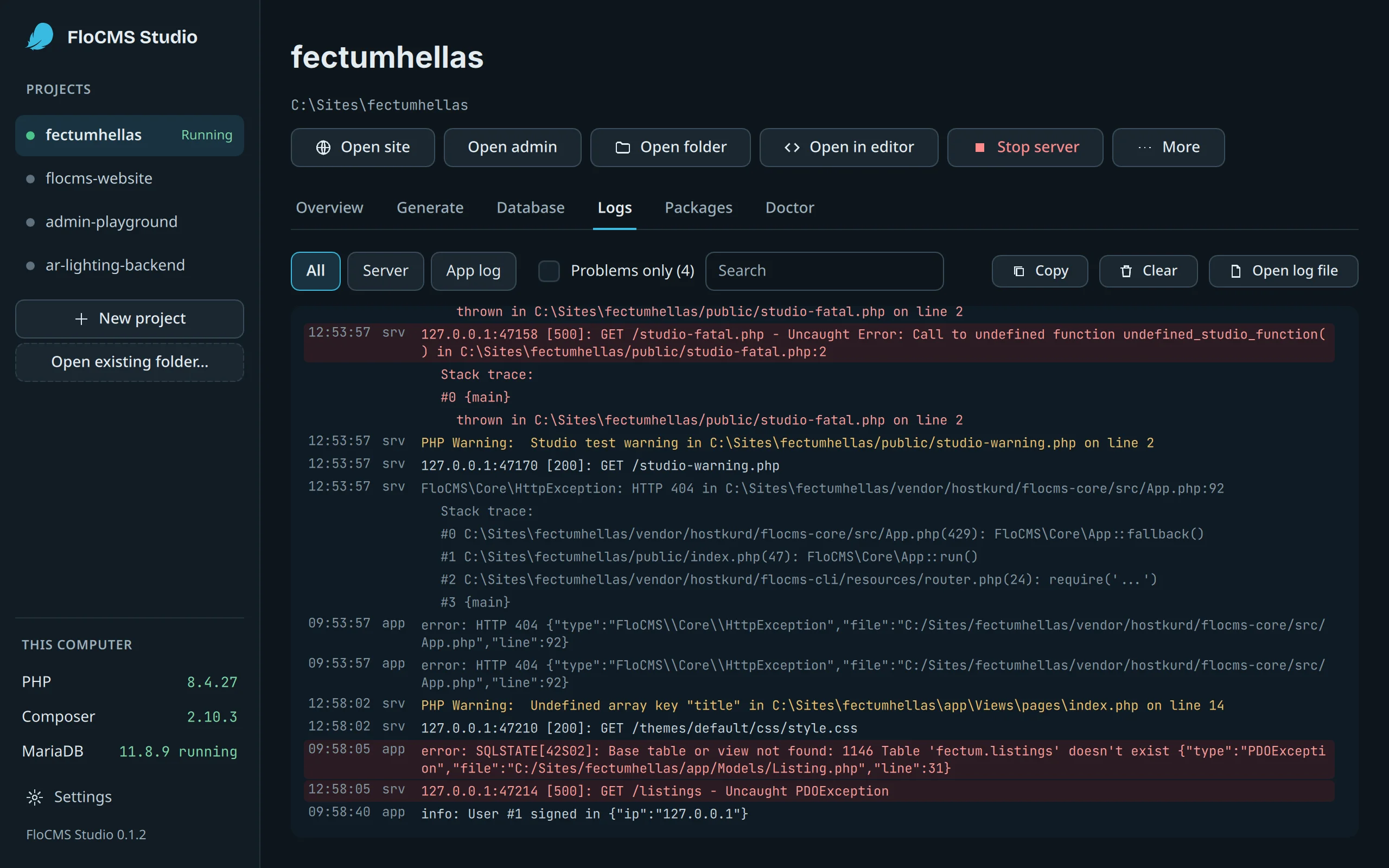
The site, its database and its logs
Start the PHP server and Studio’s own MariaDB, or use the one XAMPP or Laragon already runs. Open the site or the admin panel, and follow the server and app logs, with problems marked.
Runsphp flo serve
3 · Database
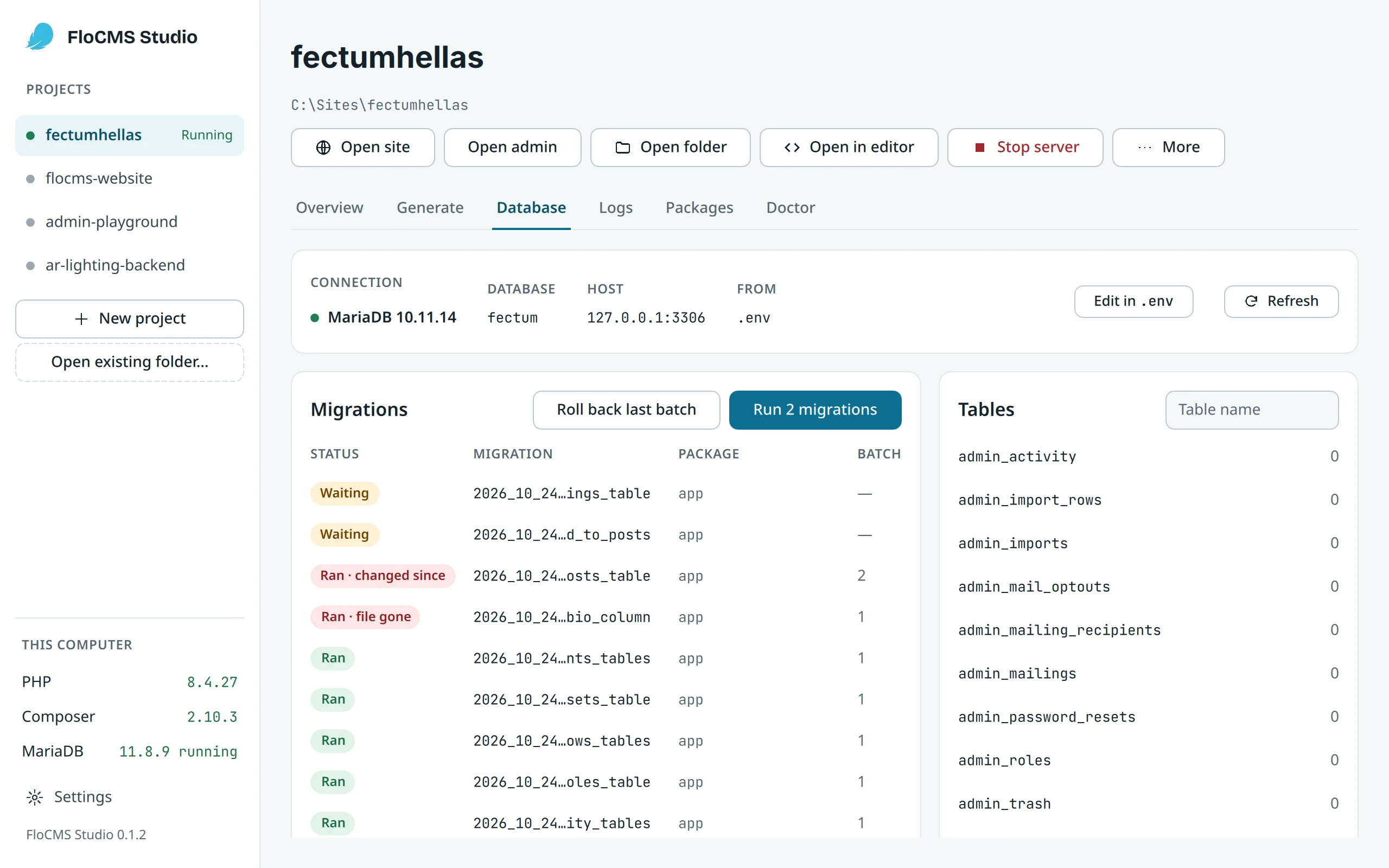
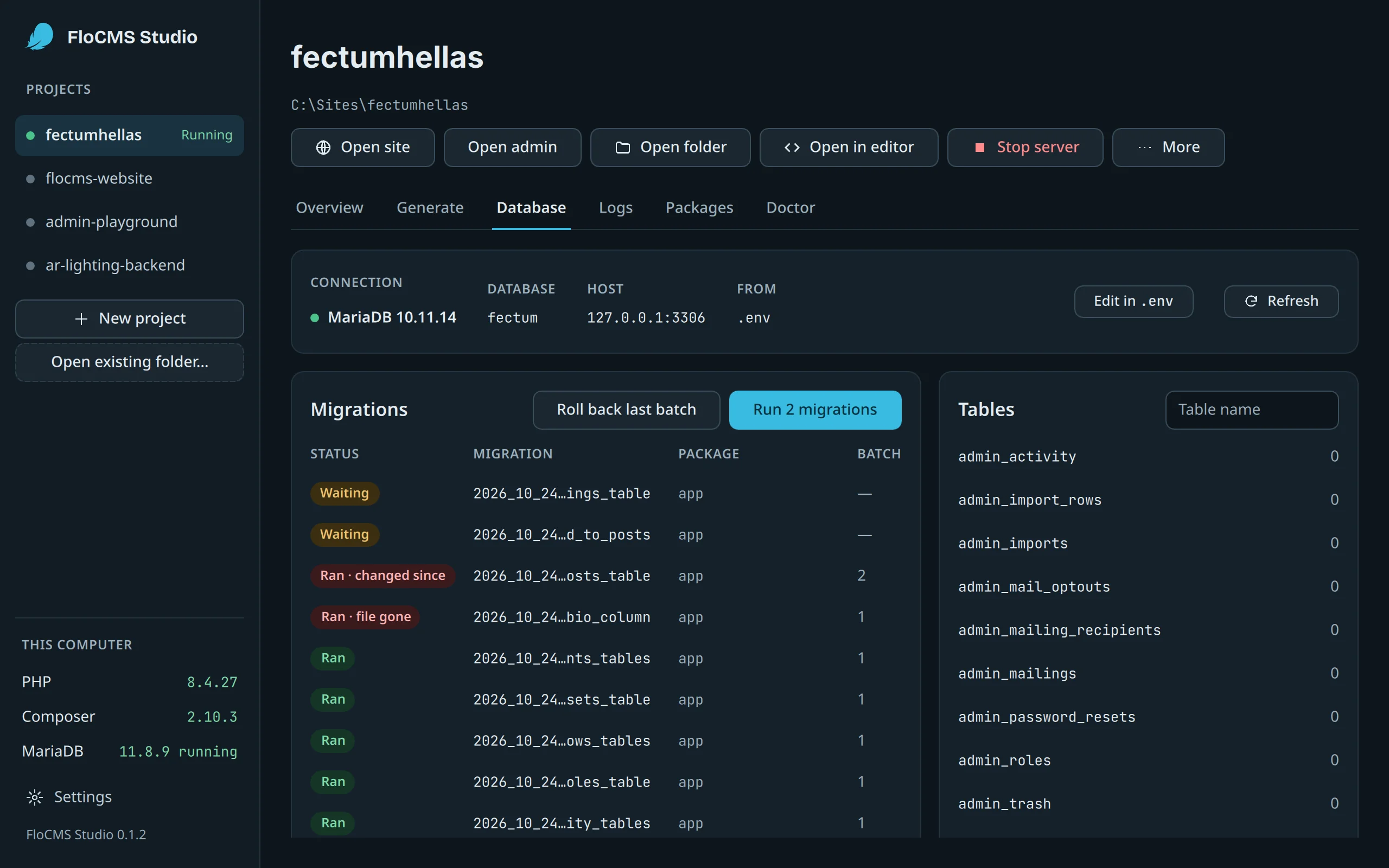
Migrations you can see
Tables with their row counts, migrations waiting to run, roll back the last batch, seed. Studio asks first before it changes a production site.
Runsphp flo migrate · migrate:rollback · db:seed
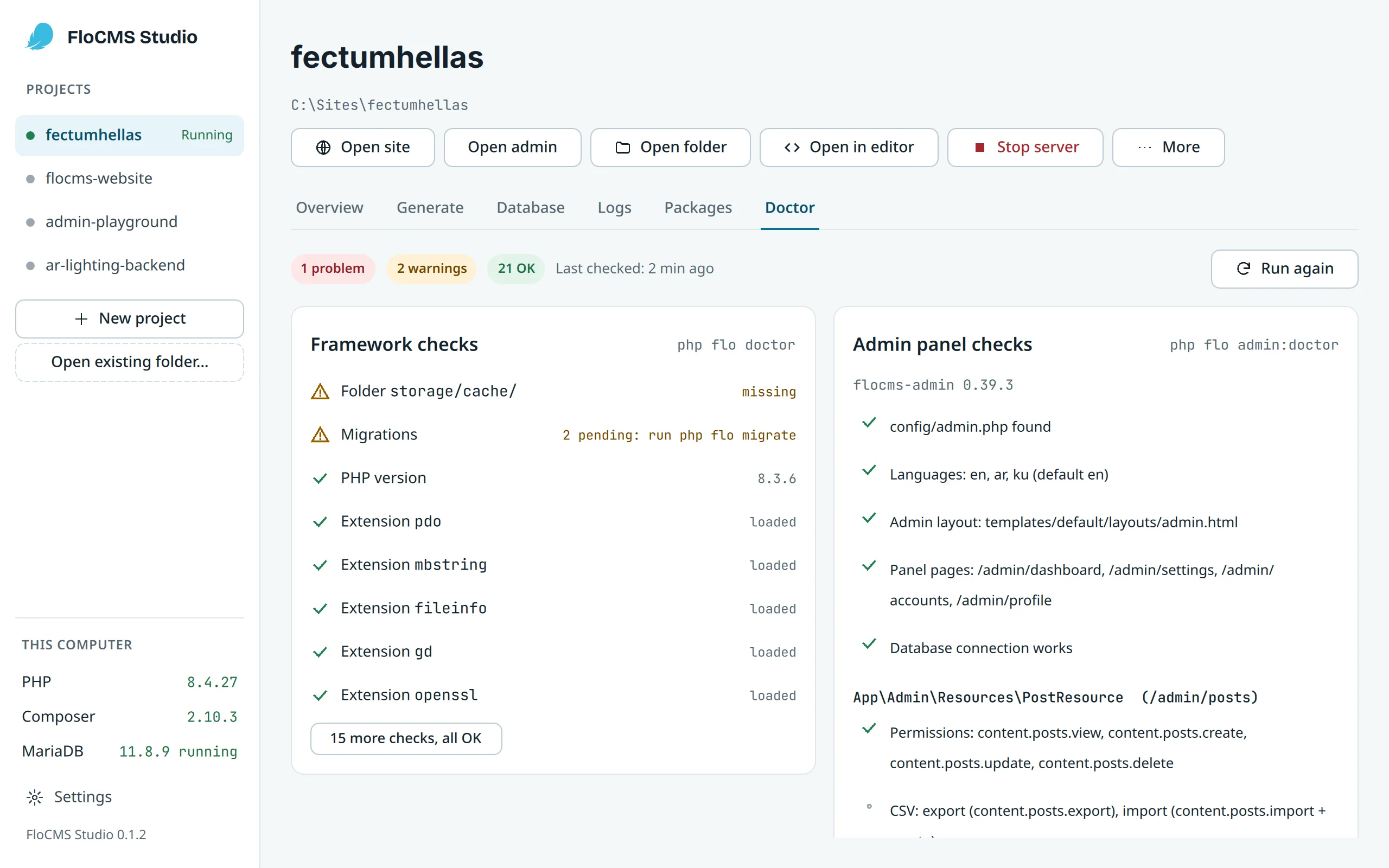
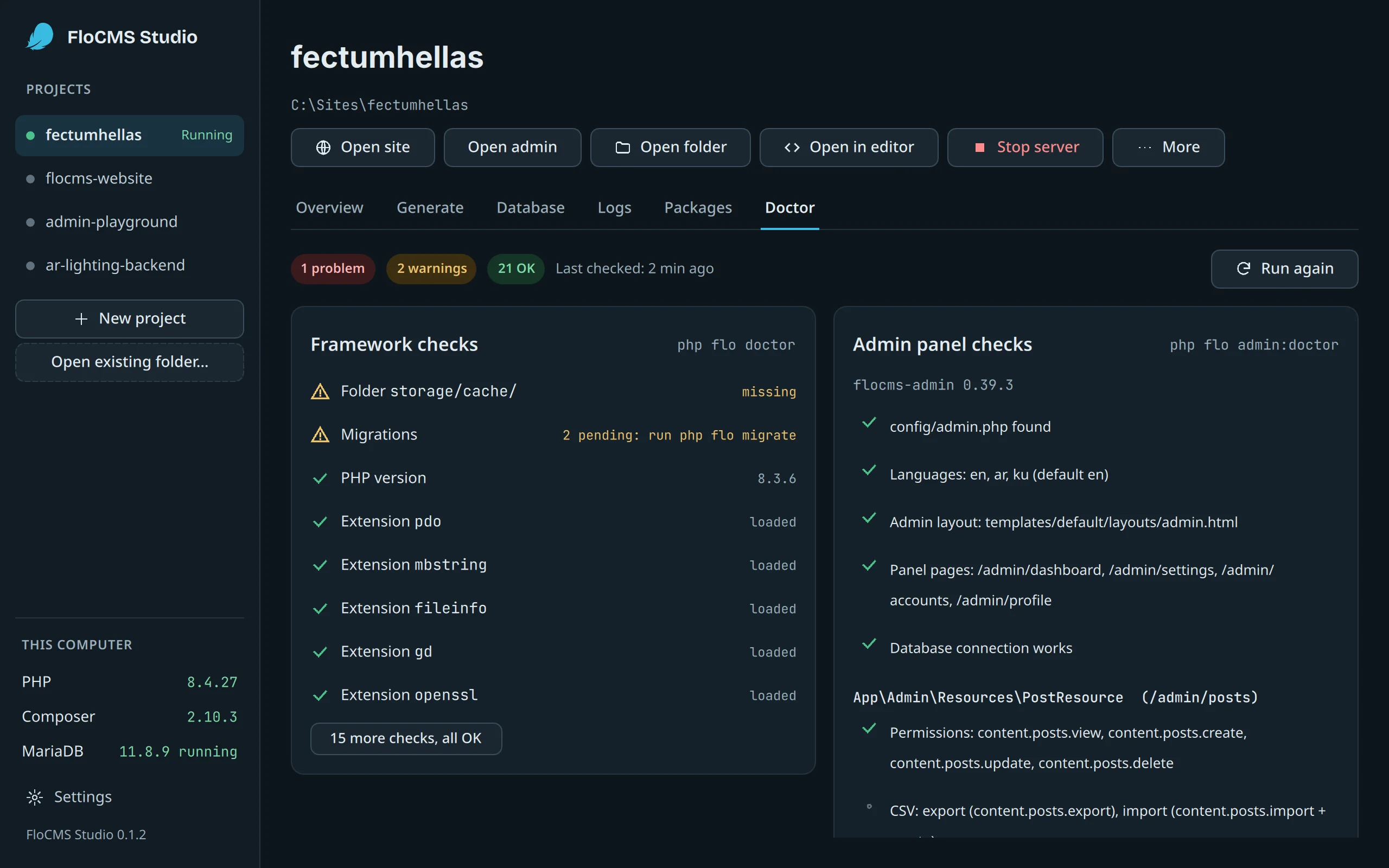
4 · Check
Doctor, with the fix for each warning
The framework’s checks and the admin panel’s, with what to do about each warning and the full output.
Runsphp flo doctor · php flo admin:doctor
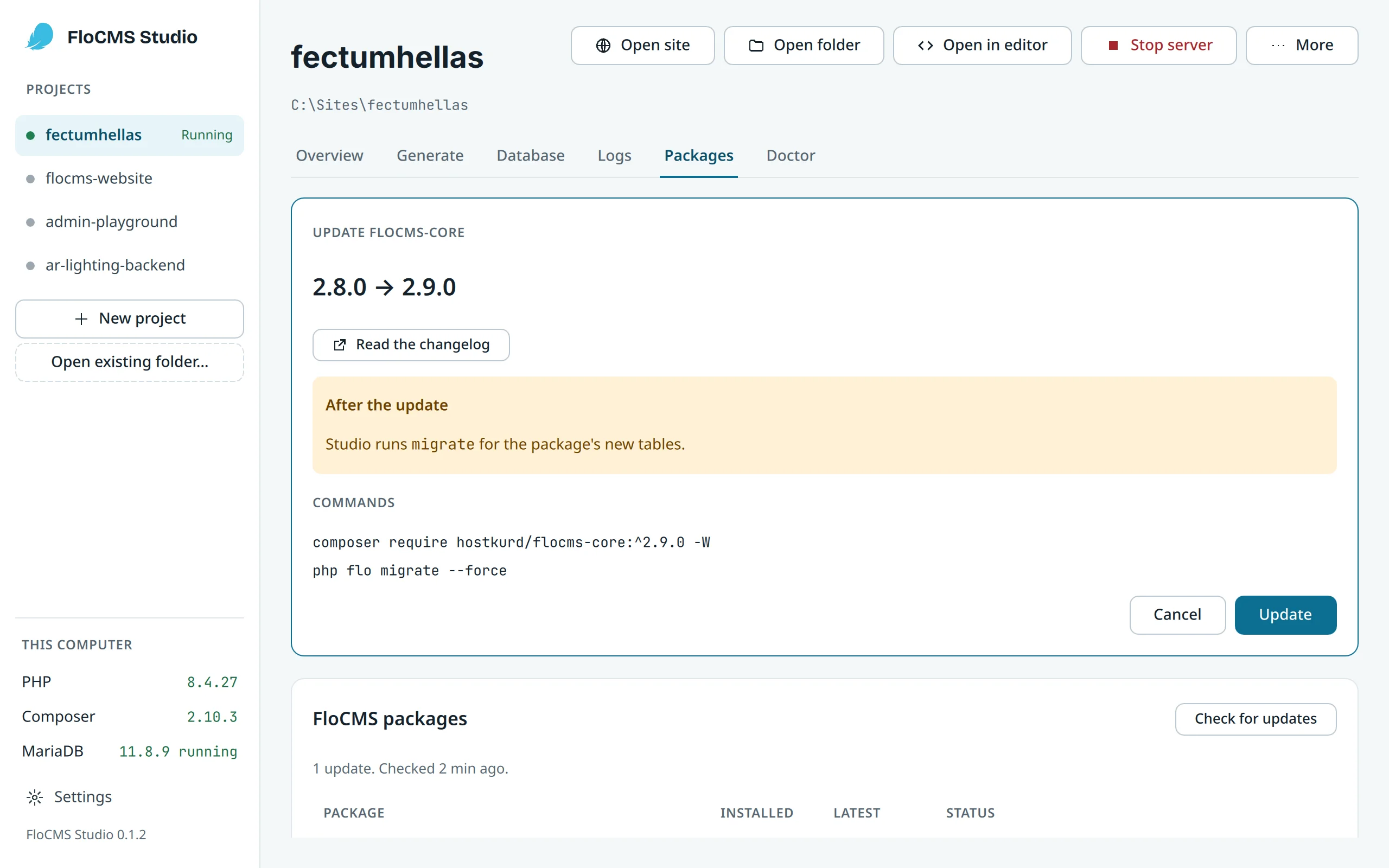
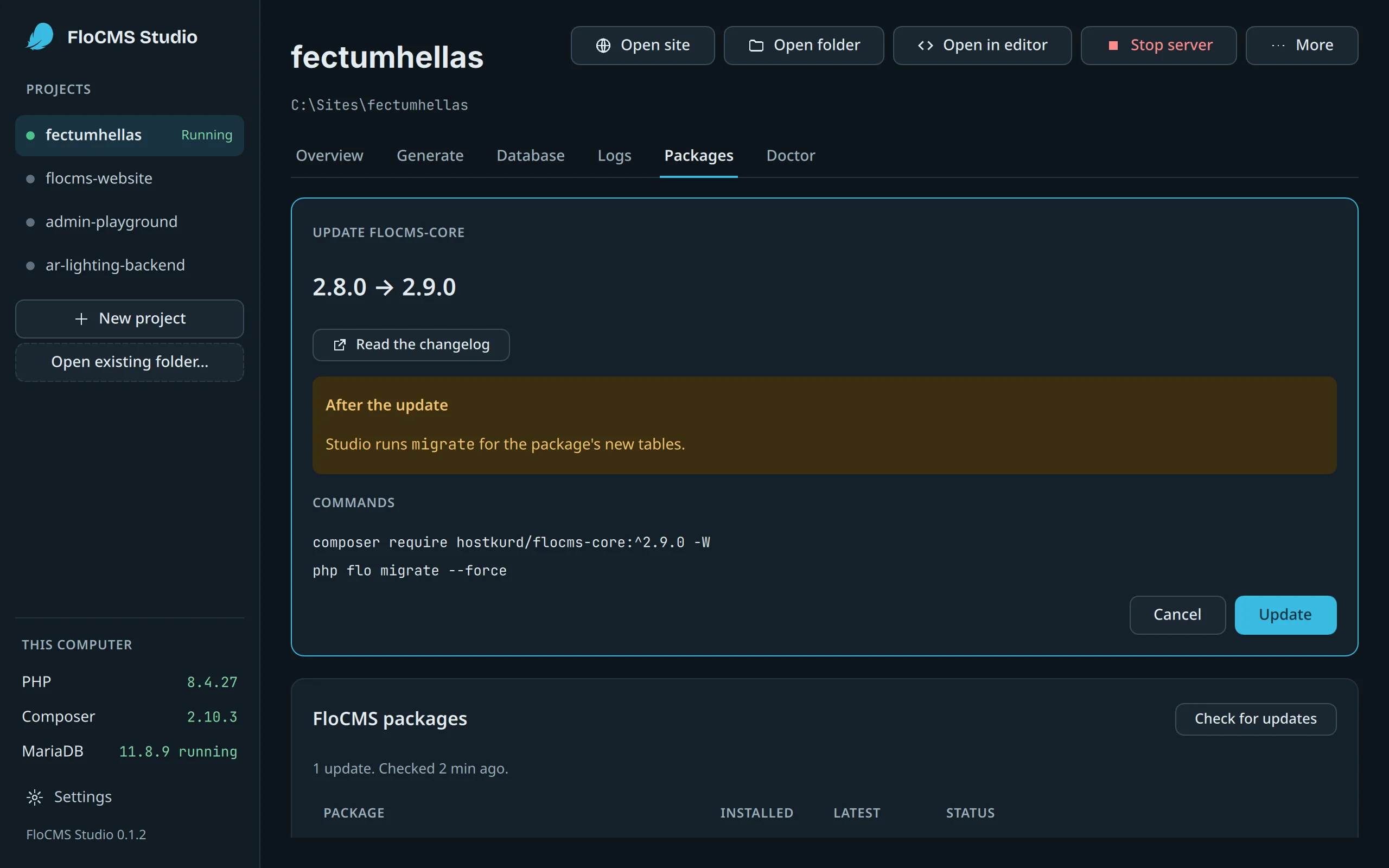
5 · Update
Packages and what changed
Installed versions, available updates and the commands that apply them.
Runscomposer update
6 · Generate
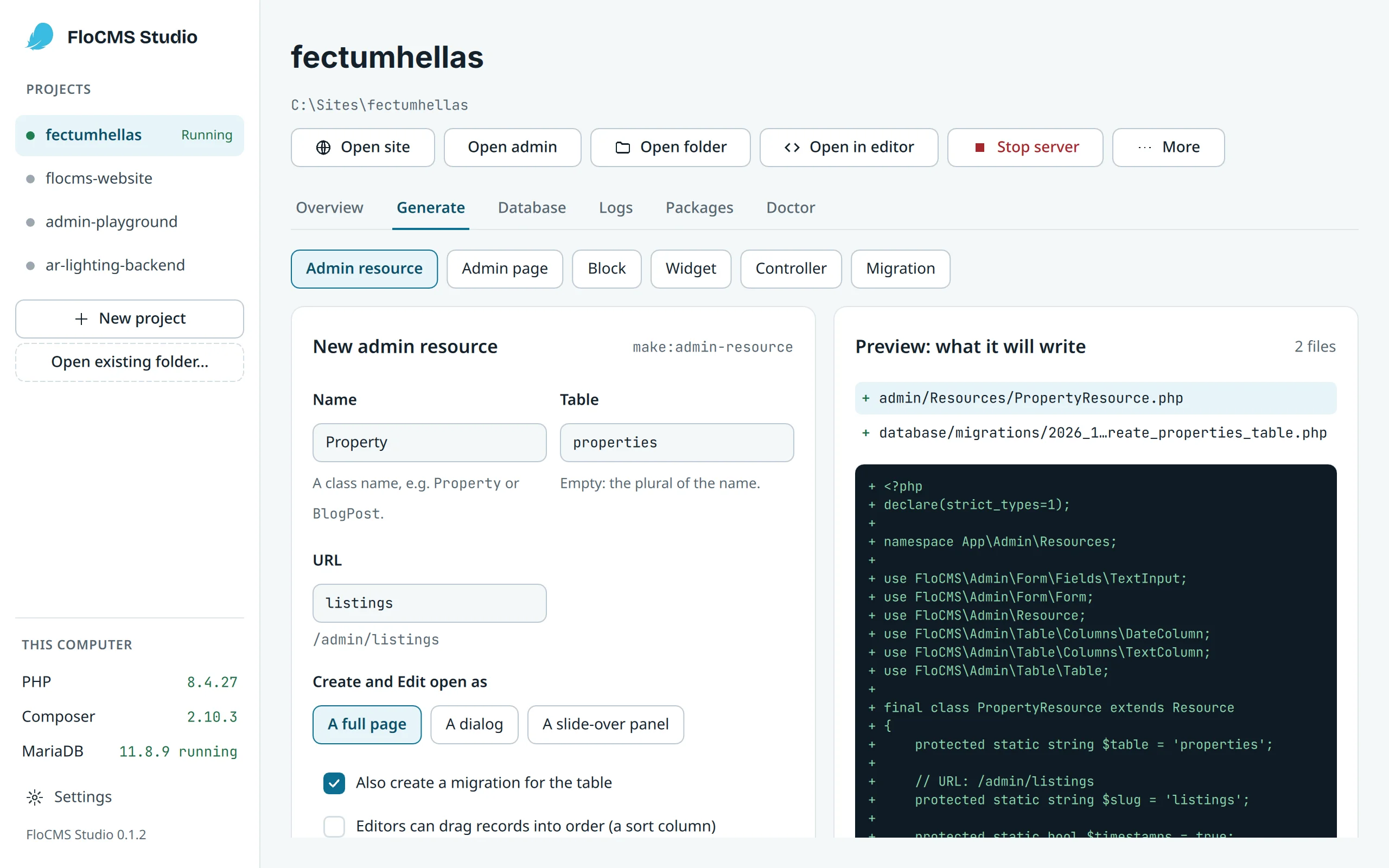
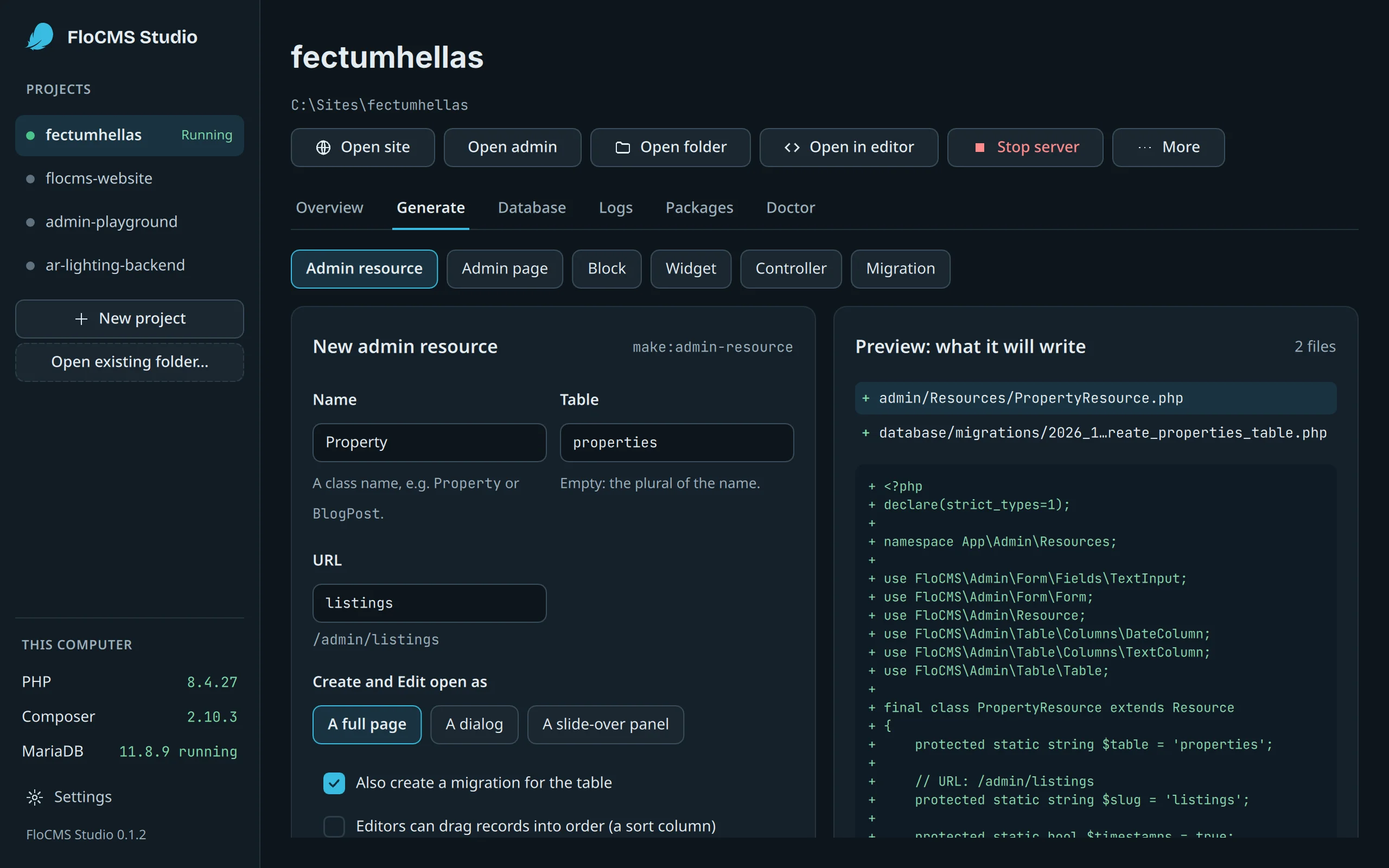
Admin resources and migrations
Fill in a form and Studio runs the same generators as the command line.
Runsphp flo make:admin-resource · php flo make:migration
In your language
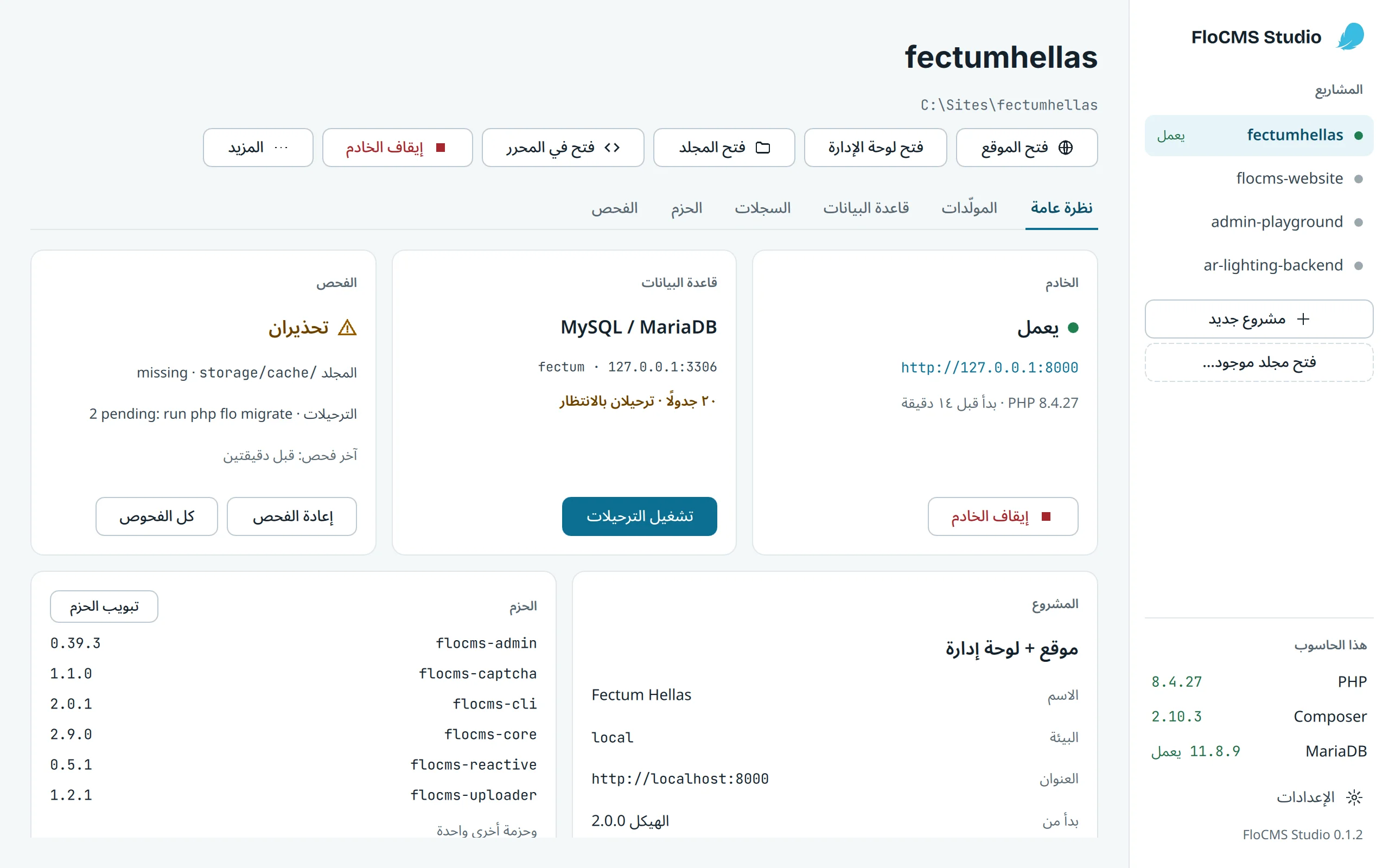
English, Arabic and Central Kurdish
Studio follows your language, right to left included. Choose it in Settings.
Download
FloCMS Studio 0.1.2
Released October 27, 2026 · Release notes · All releases on GitHub
Windows
Windows 10 and 11, 64-bit
SHA-256 checksums
FloCMS-Studio-0.1.2-x64.msi6604f67a82d9ed62e1214a9d81838824a63ffb57498bd75fcb35a6053b1b4804
FloCMS-Studio-0.1.2-windows-x64-portable.zipcd0a1834540feaaa1d98e4f688d55eb17c4283bda955e199412e09f5a41b06cd
macOS
macOS 14.4 or newer, Intel and Apple Silicon
SHA-256 checksums
FloCMS-Studio-0.1.2-macos-universal.dmg6598e2fd9e6a8f8109a6654dfbcd9e189265df5ad5f3216cc3f12cddbba1228a
Linux
64-bit (x86_64)
SHA-256 checksums
FloCMS-Studio-0.1.2-linux-x86_64.AppImagecd60bba6fa1aff7015bfa3ea007839b9716692b62806e85ea6f71d081cd08f1d
FloCMS-Studio-0.1.2-amd64.debed54092a39e3fb052d4bc70d23a368e2998502a670600d2f70ff8a9c8534524e
Check a download · Build from source · Privacy and code signing
Privacy
Studio collects nothing.
No analytics, no crash reports, no update check. Studio goes online only to download a tool you chose (PHP, Composer, MariaDB), and when a command you run does, like composer.
Every release is built by GitHub Actions from the public source, with the SHA-256 of each file. Signing the Windows files through the SignPath Foundation program for open source projects is being set up; until then Windows SmartScreen warns before the first start.
Questions
Do I need PHP or Composer installed first?
No. When Studio can’t find them it offers to download them, and MariaDB on Windows and Linux, into its own folder, with no administrator rights. It checks each file’s SHA-256 before it uses it, and uses the PHP and Composer you have when it finds them.
I already use XAMPP or Laragon.
Keep it. Point Studio at their MariaDB or MySQL, and Studio runs only the PHP server for your project.
Does Studio change my code behind my back?
No. It changes a project only through the php flo and composer commands it shows you, and asks before anything that drops data.
macOS won’t open it the first time.
The macOS app isn’t notarized yet. Try to open it once, then go to System Settings › Privacy & Security and choose Open Anyway. The install guide also shows how to check the download with its SHA-256.
Is it free?
Yes. Studio is open source under the MIT license, and uses Qt under the LGPL v3.
Prefer the terminal? So does Studio.
Everything Studio does is a php flo or composer command you can run yourself. The docs show both.