The admin panel, written in PHP.
Describe a table as a PHP class and get its list, forms, filters and permissions. Users, media, settings and pages built from blocks come with it, in every language and right to left.
composer require hostkurd/flocms-admin
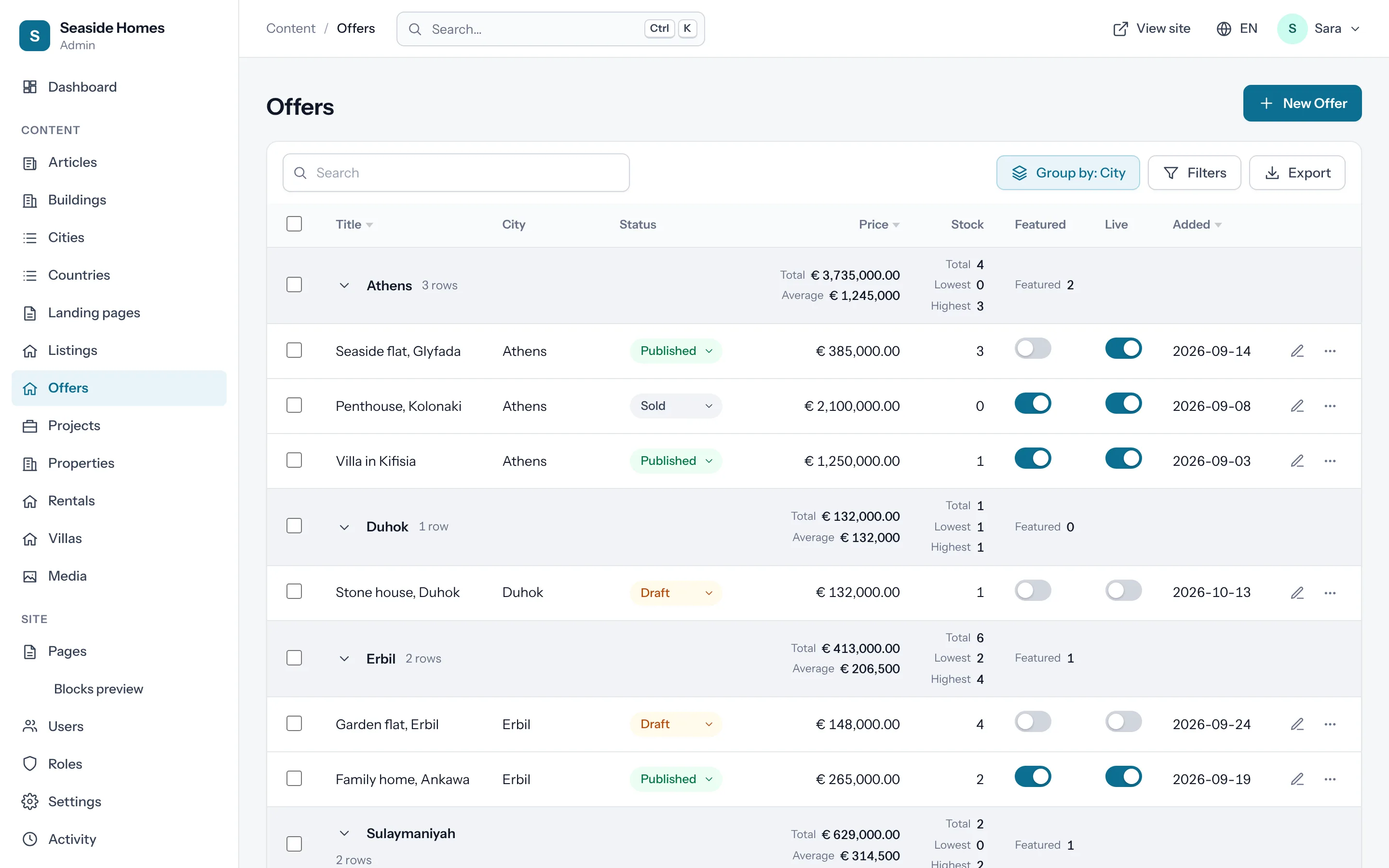
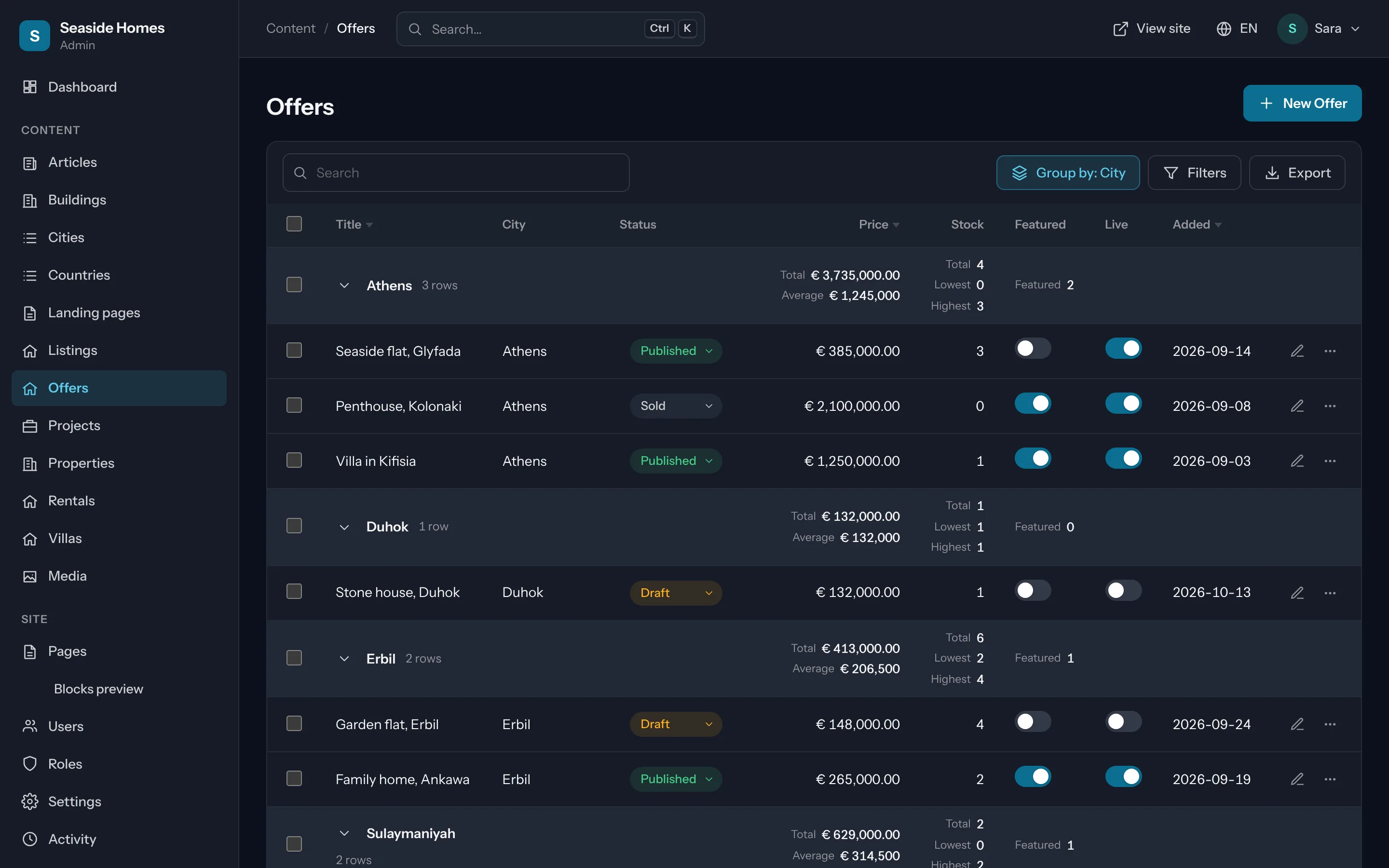
See it in action
One panel for the whole site.
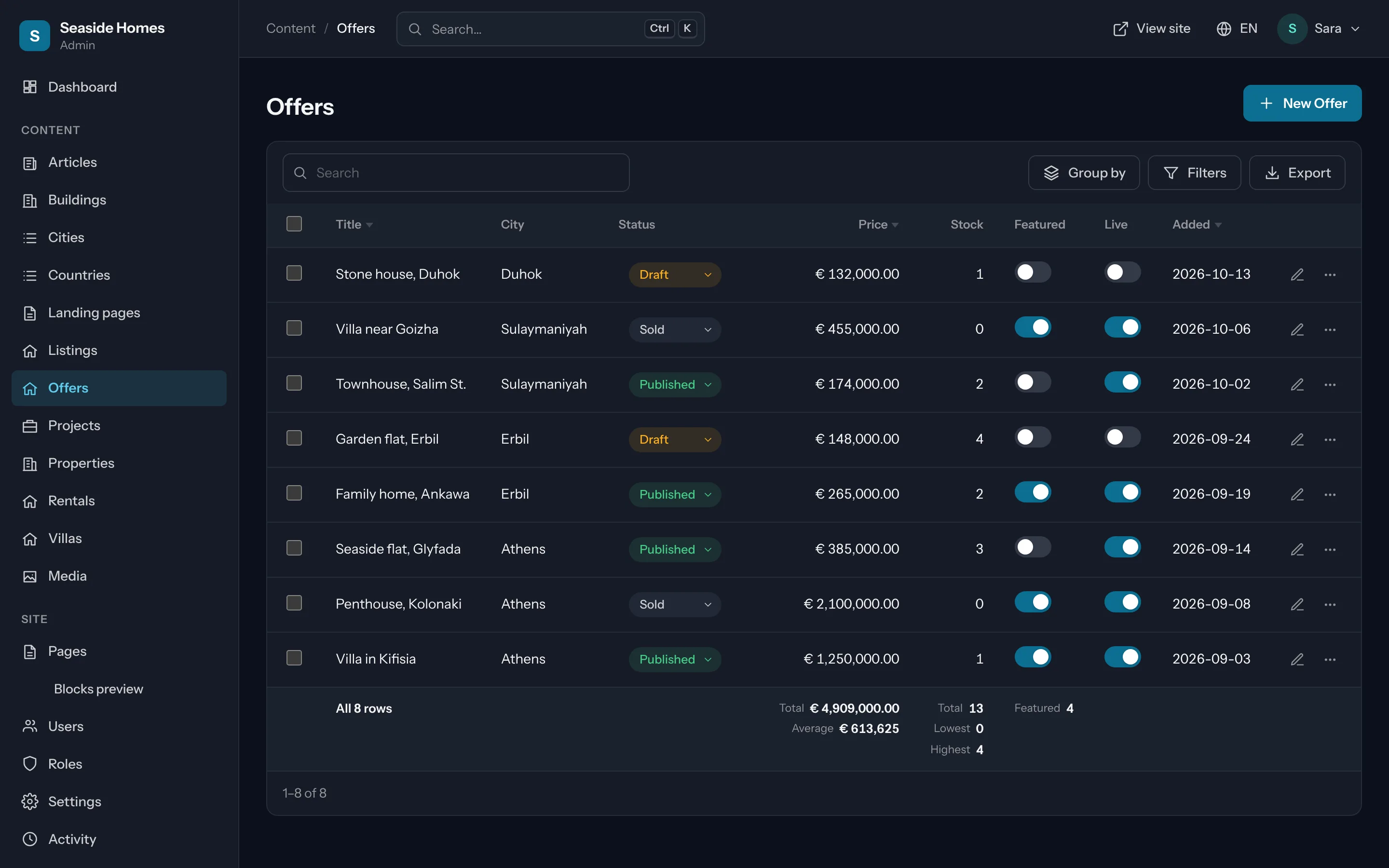
Lists that do the work
Search, filters, sorting and pagination; switches and selects that save from the list; totals for the page and for all filtered rows; rows grouped under headings.
Read the guide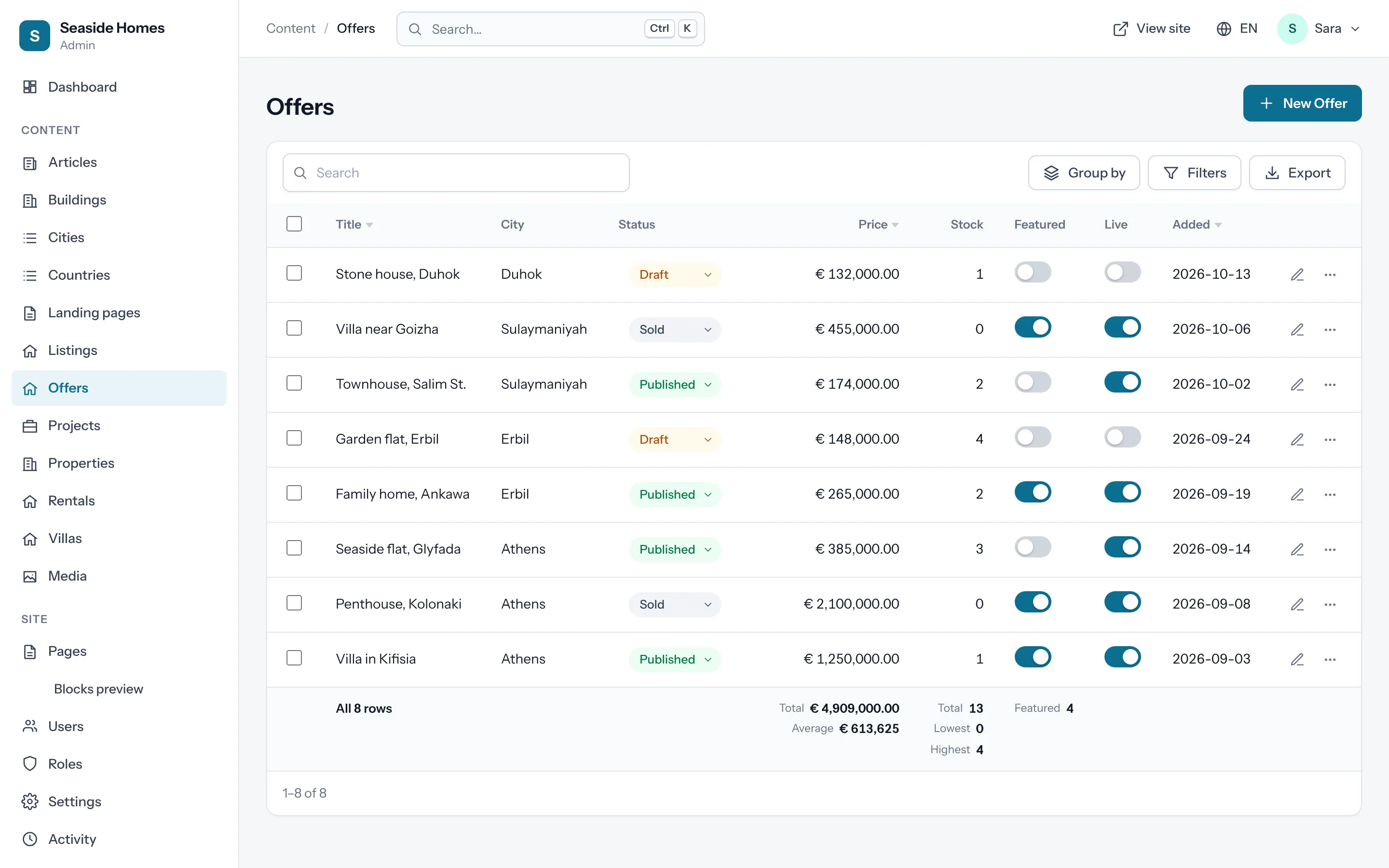
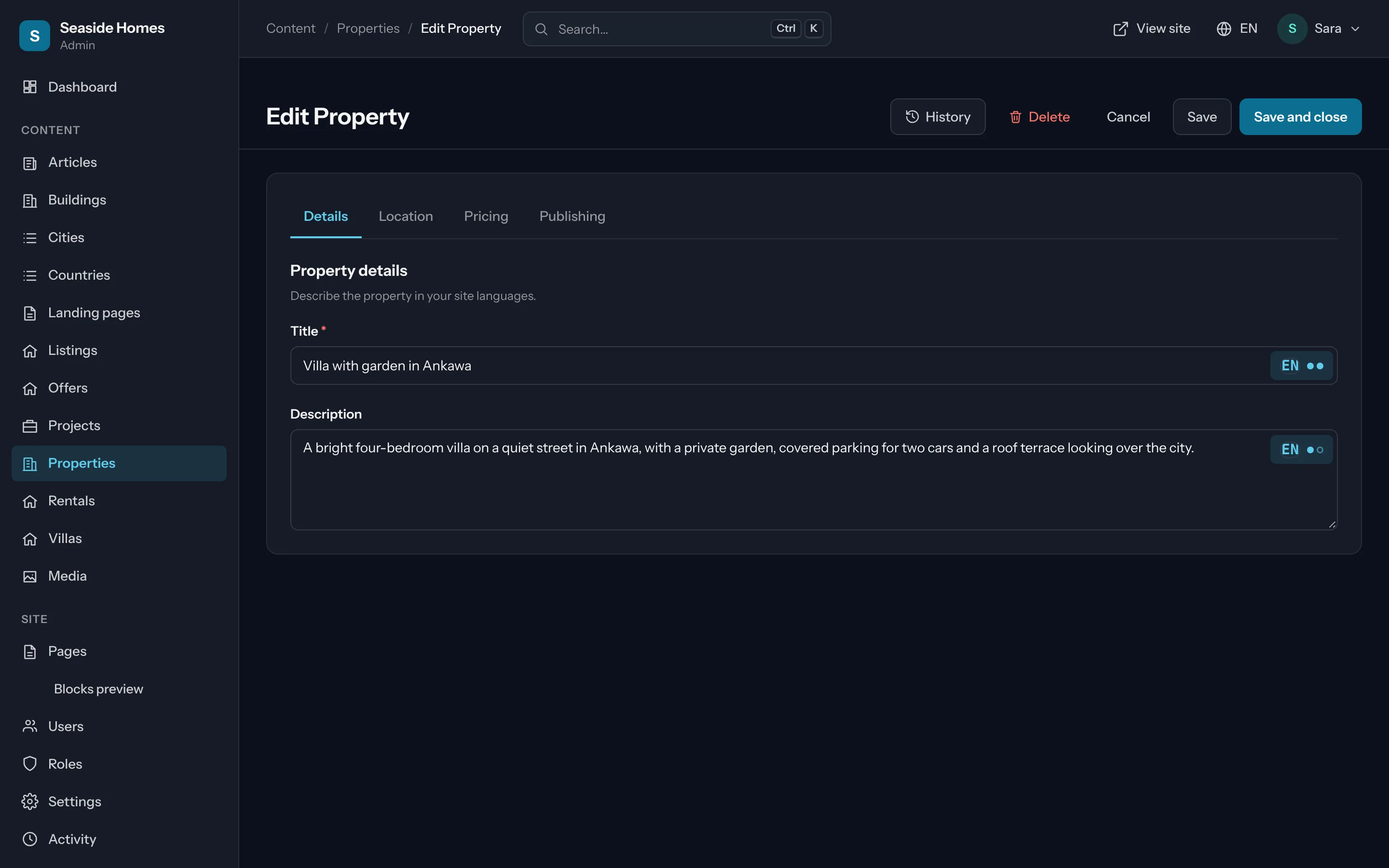
Forms with sections, tabs and steps
Responsive grids, fields that depend on each other and are checked on the server, wizards with Back and Next, and a translation dialog for every translatable field.
Read the guide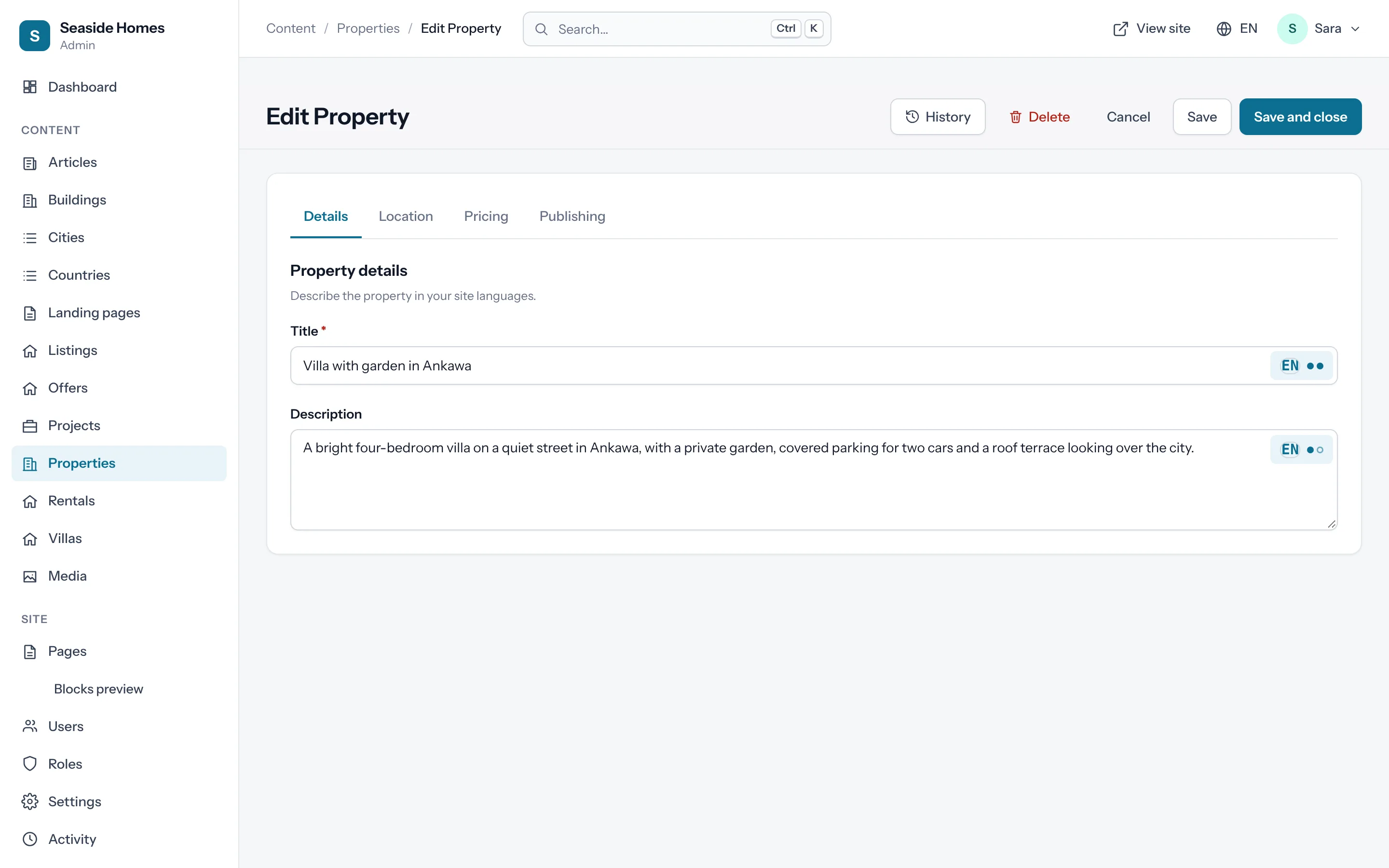
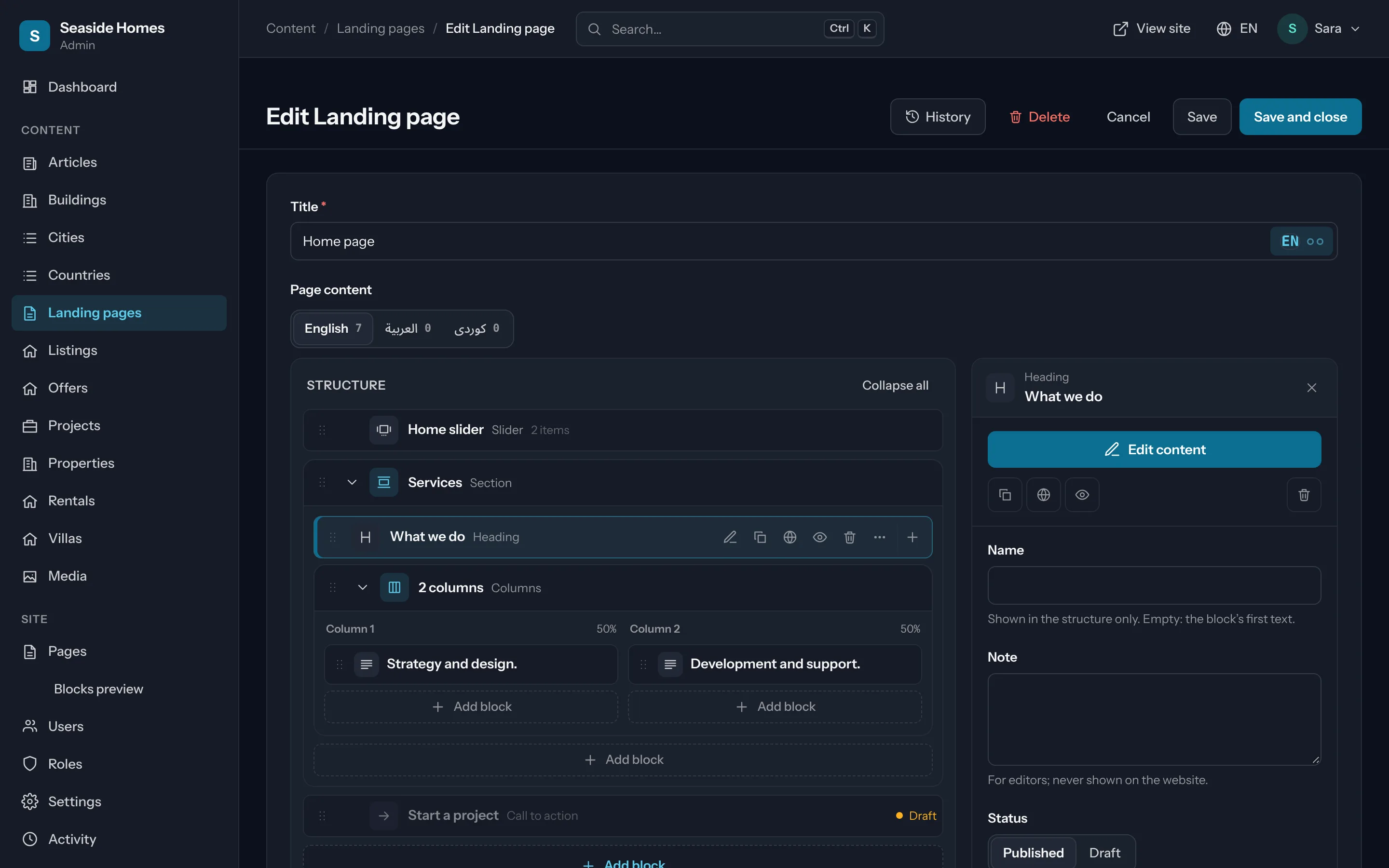
Website pages built from blocks
Hero, cards, sliders, FAQ, contact and your own blocks; drafts, scheduled publishing, SEO previews and the home page.
Read the guide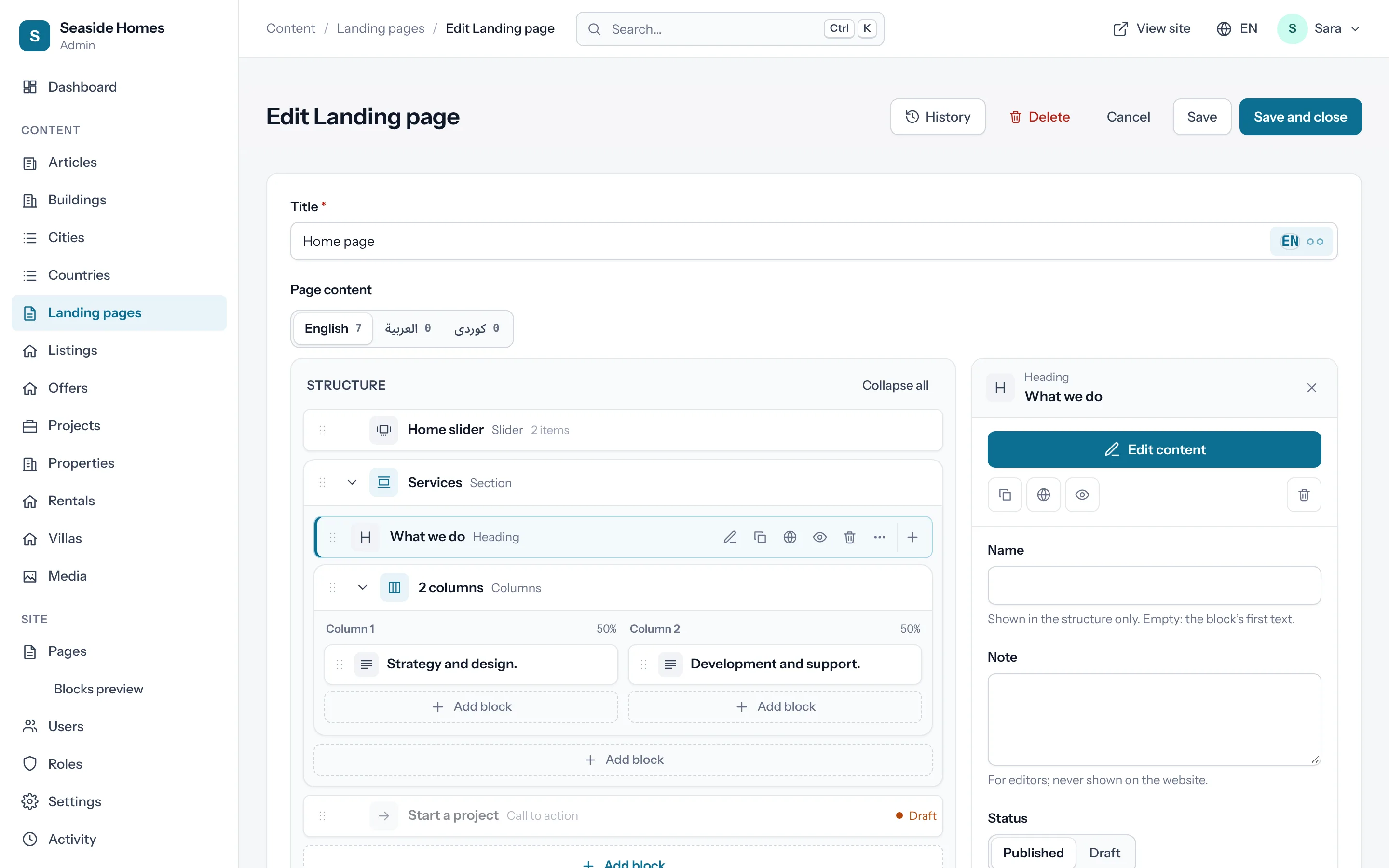
A media library with folders
Upload once and pick anywhere: titles and alt text per language, focal points, “used in” tracking and responsive images on the website.
Read the guide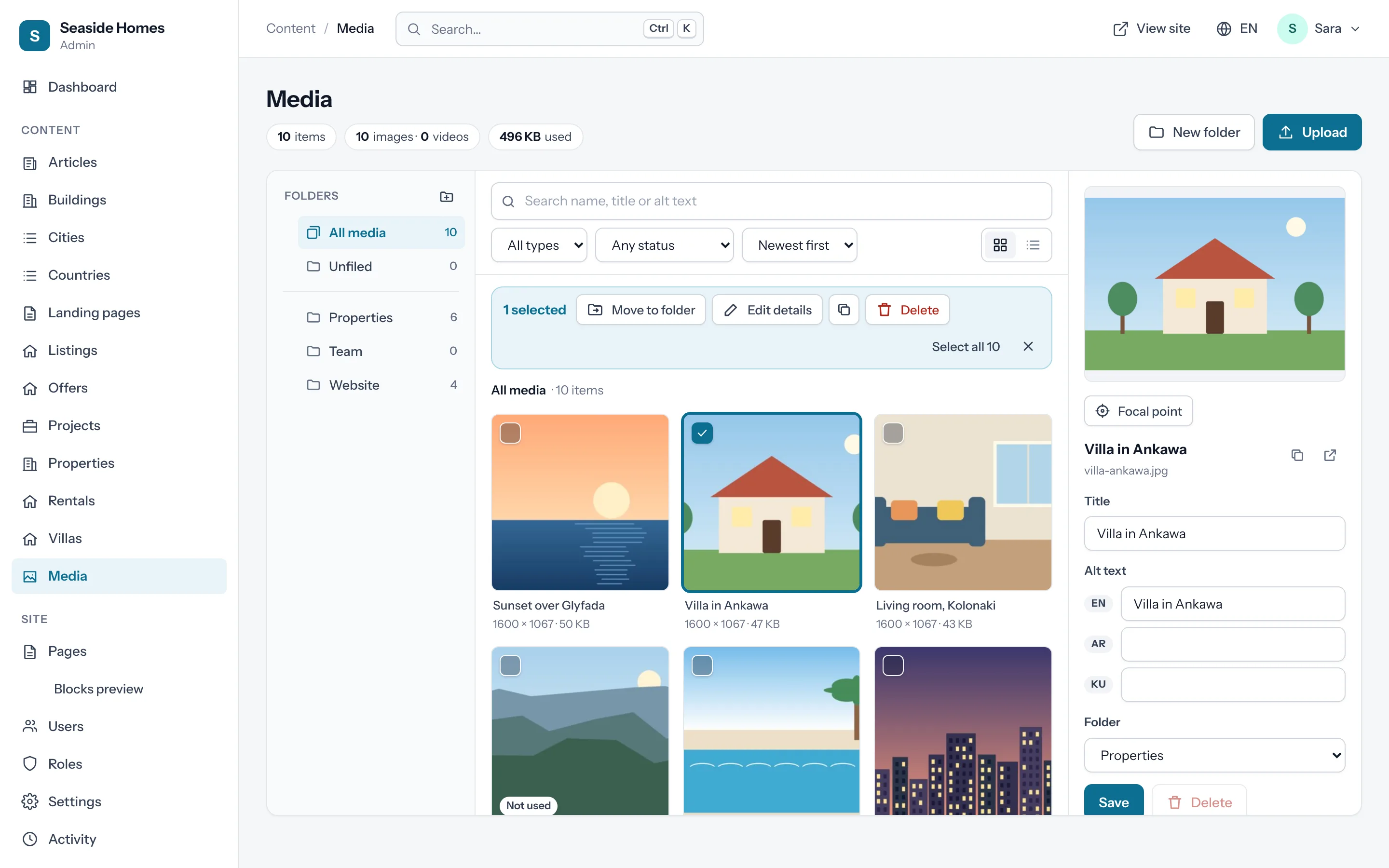
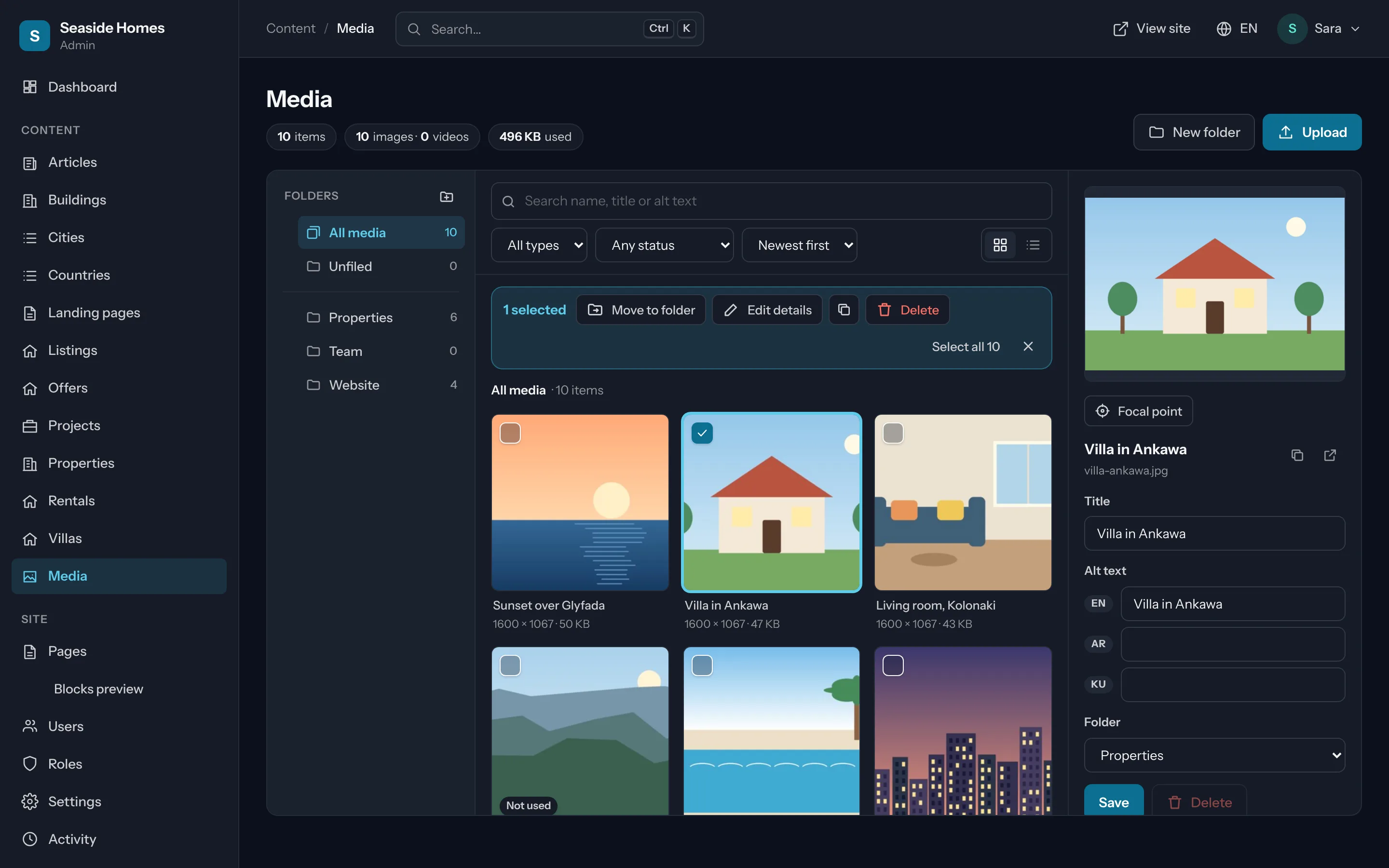
Users, roles and sign-in security
Photos, invitations and mailings; a permission grid per role; two-step sign-in, trusted devices and forgot password.
Read the guide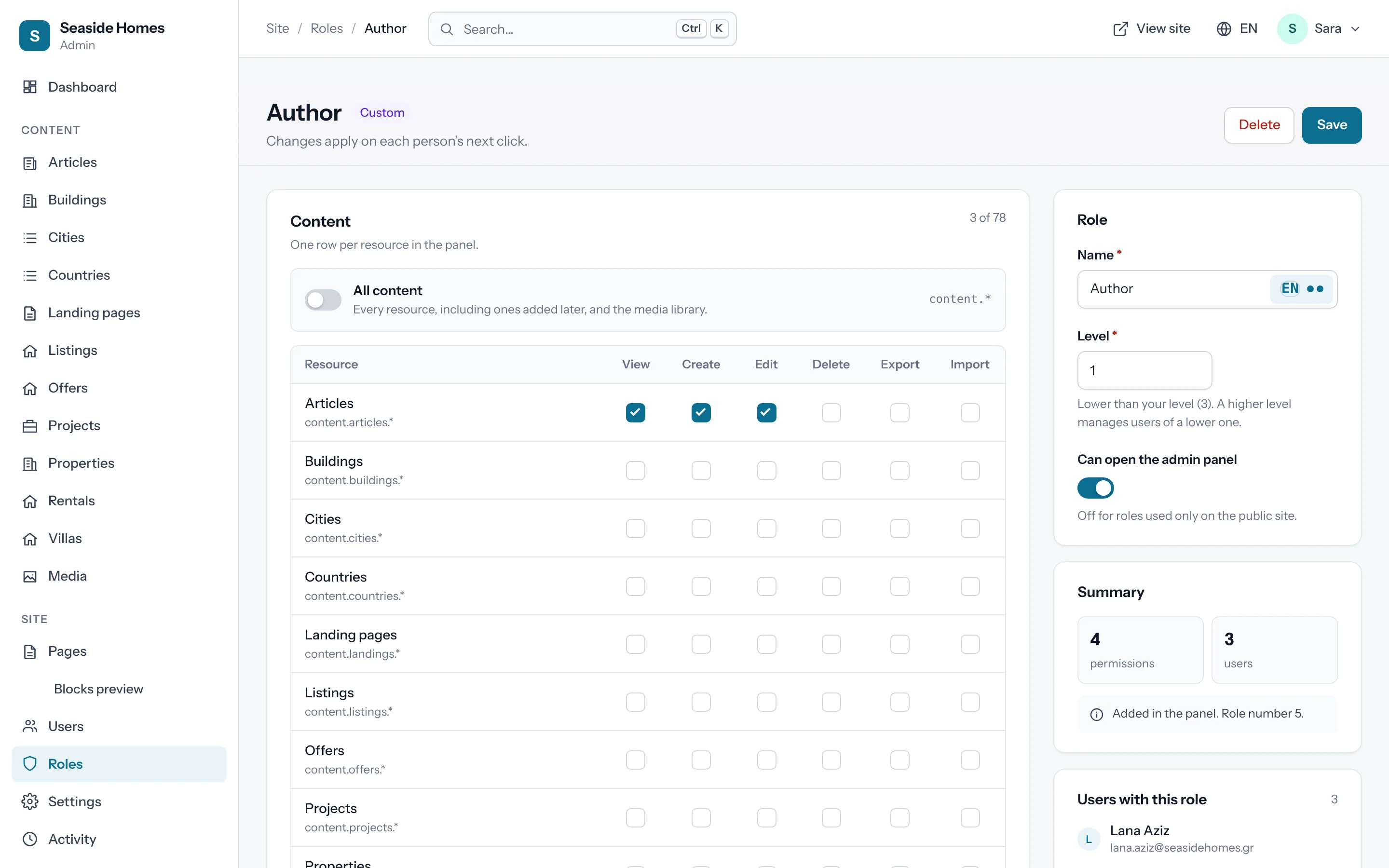
Arabic and Kurdish, done right
The whole panel turns right to left, and every language input gets its own direction.
Read the guide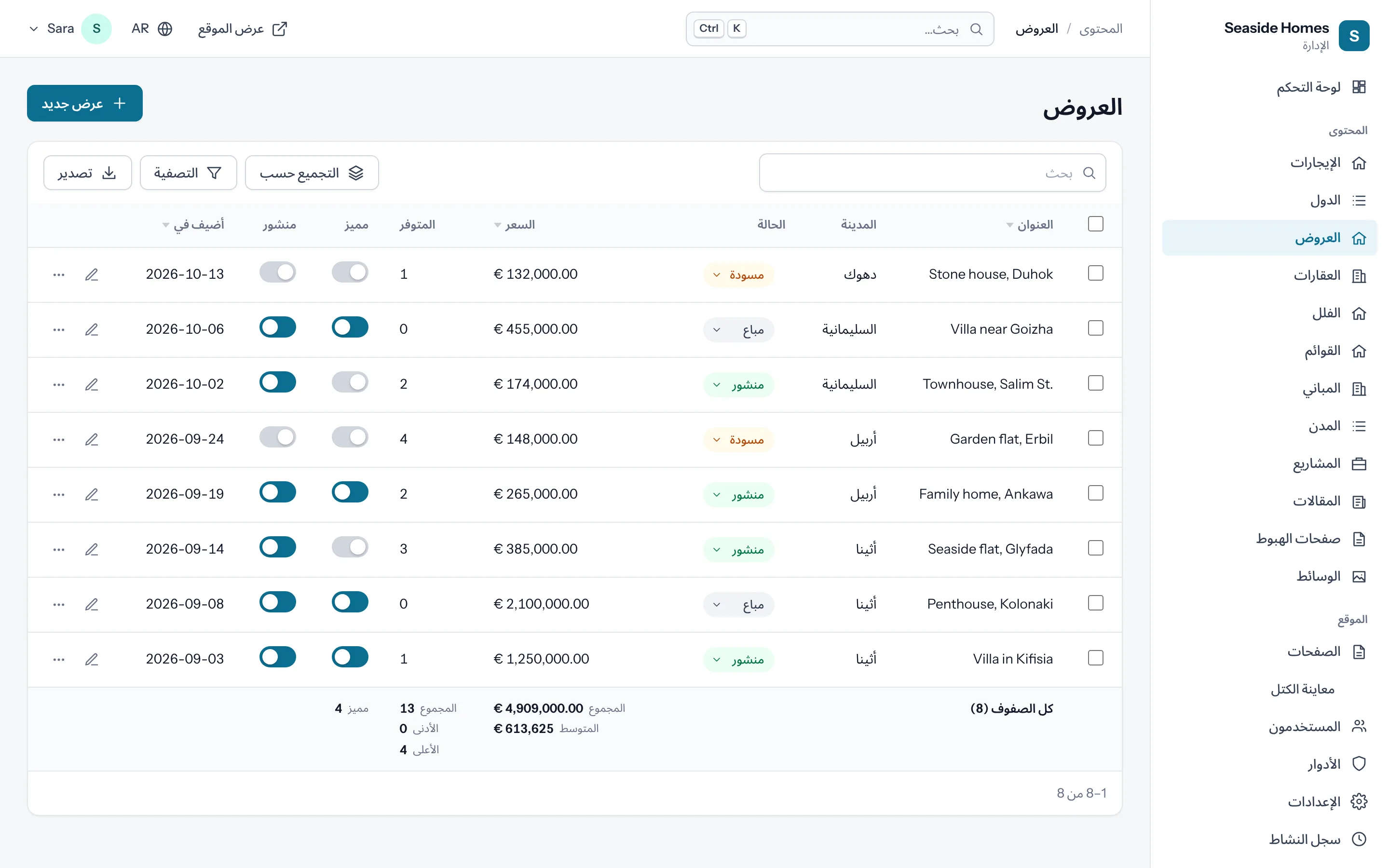
Features
Everything links to its guide.
Each card opens the section of the documentation that shows how to use it.
A resource
One class. A list, a form and the permissions.
php flo make:admin-resource Listing writes it. The panel adds the menu item, the pages under /admin/listings and the permissions on the Roles page.
final class ListingResource extends Resource
{
    public function form(Form $form): Form
    {
        return $form->schema([
            TextInput::make('title')->translatable()->required(),
            RichEditor::make('body')->translatable(),
            BelongsTo::make('city_id')->resource(CityResource::class),
            MediaPicker::make('gallery')->multiple(),
        ]);
    }

    public function table(Table $table): Table
    {
        return $table->columns([
            TextColumn::make('title')->searchable()->sortable(),
            TextColumn::make('price')->summarize([Sum::make()]),
            ToggleColumn::make('featured'),
        ]);
    }
}
Get started
Three commands on any FloCMS site.
- 1 · Add it
composer require hostkurd/flocms-admin - 2 · Install its tables
php flo admin:install && php flo migrate - 3 · Your first resource
php flo make:admin-resource Listing --migration
New projects get it from composer create-project hostkurd/flocms: website + admin panel is the default choice. See choose what you build.
Read the admin panel docs.
Versioned with the package. Latest: 0.39.3, October 23, 2026.